Forex CRM Migration: How to Switch CRM Without Losing Clients or Data
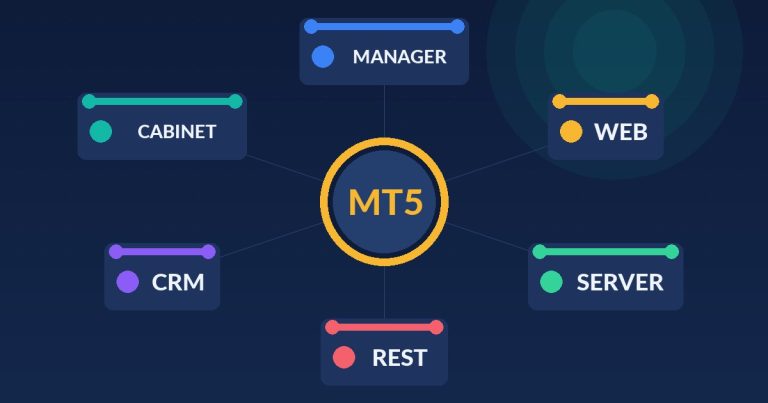
Quick answer: A safe forex CRM migration has six stages: audit what you have, export everything (clients, KYC documents, MT5 account links, transactions, IB trees and commissions), map it to the new CRM, test with a copy, run both systems in parallel for a short period, then cut over at a quiet time with clients told in advance. Your MT5 accounts do not move; only the system managing them changes.
Brokers stay on CRMs they dislike for years because switching sounds dangerous. Commissions might break, clients might lose access, KYC documents might go missing. Those risks are real, but they come from rushing, not from migration itself. Here is the approach we use when brokers move to our Forex CRM.
Good reasons to migrate
- Deposits or withdrawals still need manual steps
- IB commissions are calculated in spreadsheets
- The CRM syncs with MT5 on a delay, causing balance disputes
- Pricing went up, or support went down
- You are moving platform or server and the old CRM cannot follow
Stage 1: Audit
List every function the current CRM performs, including the ones nobody remembers until they break: welcome emails, document expiry reminders, scheduled reports, bonus rules, API connections to PSPs. Each item needs a home in the new system or a deliberate decision to drop it.
Stage 2: Export
Ask your current vendor for full exports early. Some are slow, and your contract should guarantee this anyway. You need:
- Clients: profile data, contact details, status, registration dates
- KYC: document files plus their approval status and expiry dates
- Trading accounts: which MT5 logins belong to which client
- Transactions: deposit and withdrawal history with PSP references
- IB structure: the full referral tree, rates and unpaid commission balances
- Support history, if you want it kept
Stage 3: Map
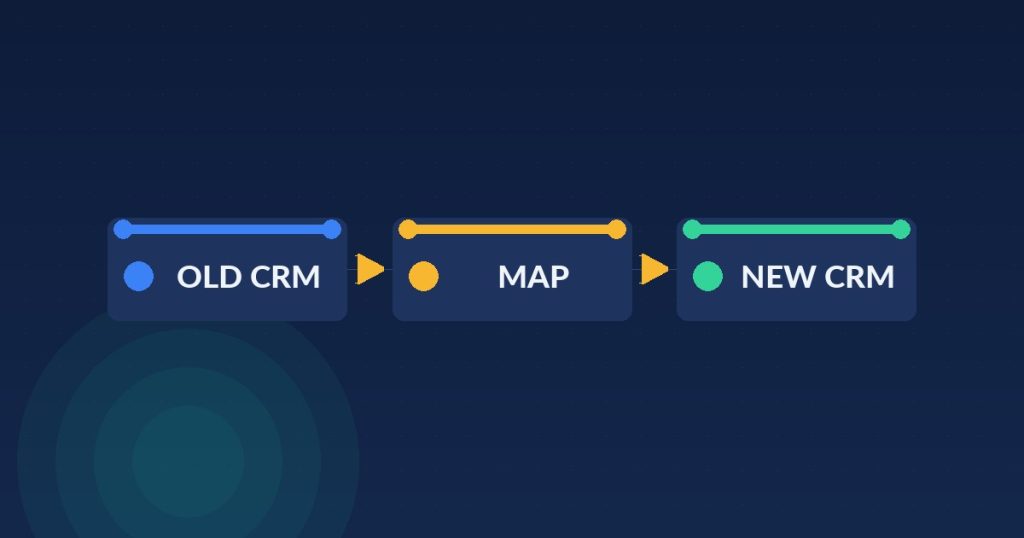
Field names and structures differ between CRMs. Build a mapping sheet: old field, new field, transformation. Pay most attention to:
- Account links. The MT5 login is the anchor. Every account must point to the right client.
- IB trees. Parent and child relationships must survive exactly, or commissions go to the wrong partner.
- Statuses. “Pending”, “approved” and “rejected” KYC states rarely map one to one.
Stage 4: Test with a copy
Import into a staging environment connected to a demo or test group. Check a sample of real clients end to end: can they log in, see their accounts, deposit, withdraw? Recalculate last month’s IB commissions in the new system and compare with what you actually paid. Differences now are cheap; differences after go-live are support tickets.
Stage 5: Parallel run
Connect the new CRM to the live MT5 server through the Manager API and let it read data alongside the old one for a few days. Reports from both should agree on balances, deposits and commissions. Freeze configuration changes on the old CRM during this window.
Stage 6: Cut over
- Pick a weekend when markets are closed.
- Tell clients and IBs a week ahead: new portal address, what stays the same, what they need to do (usually just reset a password).
- Run a final delta export of anything that changed since the main import.
- Switch PSP callbacks to the new CRM and test one small deposit per method.
- Point your website sign-up and login to the new traders cabinet.
- Keep the old system read-only for a few months for reference.
What clients should notice
Ideally, a new-looking portal and nothing else. Their MT5 logins, balances, open trades and history are on the trading server and do not change. That is the single most reassuring message to put in your announcement.
Common migration mistakes
- Leaving the export request until the old contract is about to expire
- Forgetting unpaid IB commission balances
- Migrating KYC statuses without the documents themselves
- Switching PSP callbacks before testing, so deposits land nowhere
- Cutting over on a weekday during London session
Frequently asked questions
How long does a forex CRM migration take?
Planning, export, mapping and testing usually take a few weeks. The cutover itself can be done over a weekend.
Do clients need new MT5 accounts when we change CRM?
No. MT5 accounts live on the trading server. The new CRM links to the same logins through the Manager API, so balances, positions and history stay as they are.
What is the hardest part of migrating a forex CRM?
Usually the IB structure: keeping every referral relationship, rate and unpaid balance exactly right. Recalculate a past month in the new system to prove it.
Can I migrate KYC documents?
Yes, if your current vendor exports the files as well as their statuses. Ask for this early and check that expiry dates come across.
Thinking of switching? See the Forex CRM or tell us what you run today and we will outline a migration plan.